Free Chat Without Sharing Your Number in India (2026)
How to chat with new people in India without giving out your phone number, using usernames and in-app chat, and how to avoid common scams.
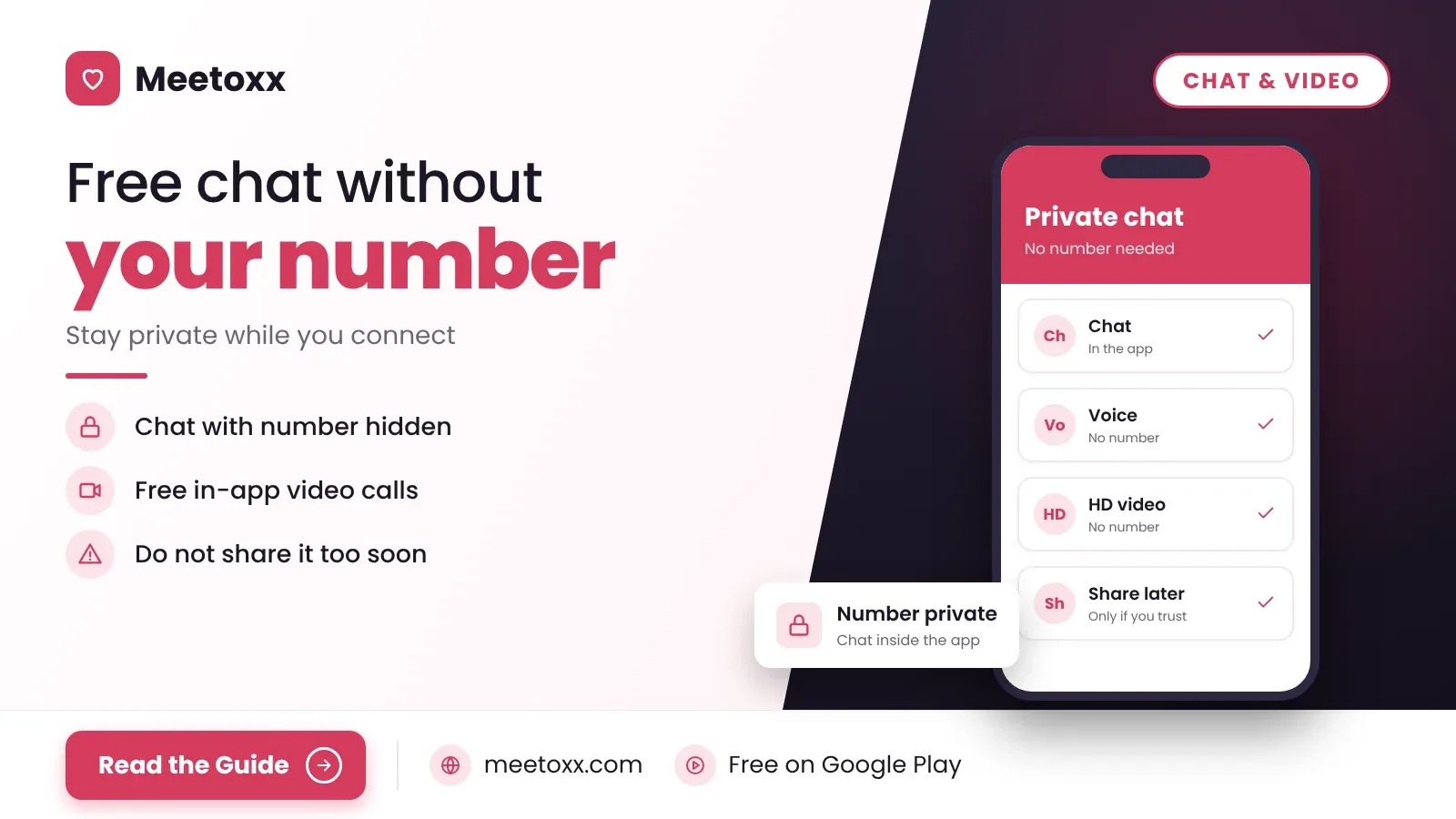
Yes, free chat without number sharing is possible in India, and it is often the safer choice when you meet someone new. Your phone number is linked to your UPI, bank, Aadhaar-linked services and WhatsApp. Giving it to a stranger can expose more than you think. Here is how to chat freely without sharing it.
Why keep your number private
- Scammers can use it to find your name and photo on other apps.
- It can be used in fake "KYC" or OTP calls.
- Once shared, you cannot take it back if the conversation turns unpleasant.
Ways to chat without your number
Use usernames
Telegram and Signal let you set a username and hide your number. You still need a number to sign up, but others see only your username.
Chat inside the app you met on
Dating and social apps have built-in chat and calling. Stay there until you trust the person.
Use in-app video calls
A short video call inside the app confirms the person is real without revealing your number.
What not to do
- Do not use random "anonymous chat" websites that have no moderation or age checks.
- Do not share OTPs, UPI PINs or screenshots of payment apps.
- Do not move to WhatsApp just because someone insists.
Scams to recognise
- Sextortion after an intimate video call. Never do anything on camera you would not want recorded.
- Fake job or investment offers from a new chat friend.
- "Wrong number" messages that turn into friendly chats and then money requests.
If something goes wrong, block, save screenshots and report it on the national cybercrime portal or call 1930.
Where Meetoxx fits
Meetoxx is free on Google Play for dating, matrimony, chat and HD video calls. Every profile confirms a phone number by OTP at sign-up, messaging has no paywall, and you can video call inside the app before you share your number. See our dating guides by city.
Setting up free chat without number sharing, step by step
Keeping your number private is easier when you set things up properly from day one. Here is a simple routine that works on most apps:
- Check what the app shows. Open your own profile in preview mode and confirm that your phone number, email and full surname are not visible to others.
- Use a first name or nickname. Your display name does not need to match your bank records. A first name is enough for chatting.
- Turn off contact syncing. Some apps ask to read your contacts to "find friends". Say no if you want to stay private.
- Limit location detail. Showing your city is fine. Showing your exact area, society name or office is not needed.
- Keep calls inside the app. In-app voice and video calls let you hear and see the person without either of you sharing a number.
When is it okay to share your number?
There is no fixed rule, but most people in India wait until they have chatted for a while, had at least one video call and feel comfortable with how the other person behaves. A good sign is when the other person respects your pace and does not keep asking. If someone insists on your WhatsApp number in the first few messages, treat it as a warning, not a compliment.
When you do decide to share, keep these points in mind:
- Share it only after a video call where you clearly saw the person's face.
- Check that your WhatsApp profile photo, about line and status are visible only to contacts you trust.
- Remember that your number can be searched on payment and caller ID apps, which may show your full name.
- You can always go back to in-app chat if things start to feel wrong.
What to do if your number was already shared
If you shared your number and now regret it, do not panic. Block the contact on WhatsApp and on your phone, then report the profile in the dating or chat app with screenshots. If you receive threats, sextortion messages or fake legal notices, do not pay anything. Save the evidence and report it on the national cyber crime portal or by calling 1930. Change any passwords you may have mentioned and be careful with OTP messages for the next few days, since scammers sometimes try to take over accounts using a number. Tell a trusted friend or family member too, so you are not dealing with it alone.
Daily habits that protect your privacy
- Never share OTPs, UPI PINs or screenshots of payment apps with anyone you met online.
- Avoid sending photos that show your house number, office ID card or vehicle number plate.
- Do not click links sent by new contacts, especially "verification" or "KYC" links.
- Review app permissions every few months and remove access you do not need.
Privacy for women and first-time users
Women in India often get the most unwanted messages, so a few extra steps help. Use a profile photo that shows your face clearly but not your home or office in the background. Hide your full surname if the app allows it. If someone sends unsolicited photos or rude messages, do not engage or argue. Take a screenshot, block and report. First-time users should also remember that a polite stranger can still be a scammer, so trust actions over words.
How Meetoxx helps you stay private
Meetoxx is built so you can talk without giving away personal details. Your number stays private, profiles are selfie-verified before messaging, and chat, voice notes and HD video calls are free with no minute limits. You can filter by city, intent and language, and block or report anyone in a couple of taps. The app is free on Google Play for Android.
Learn more on our free chat app page, read who can see your dating profile in India, and keep our guide to dating app scams in India handy.
Frequently asked questions
Can I use Telegram without showing my number?
Yes. Set a username and change privacy settings so your number is hidden.
Is it safe to chat on anonymous chat sites?
Many have no moderation or age checks. Apps with verification and reporting are safer.
When should I share my number?
Only after a video call, once you trust the person.