Encrypted Chat Explained: What It Means for Your Private Messages

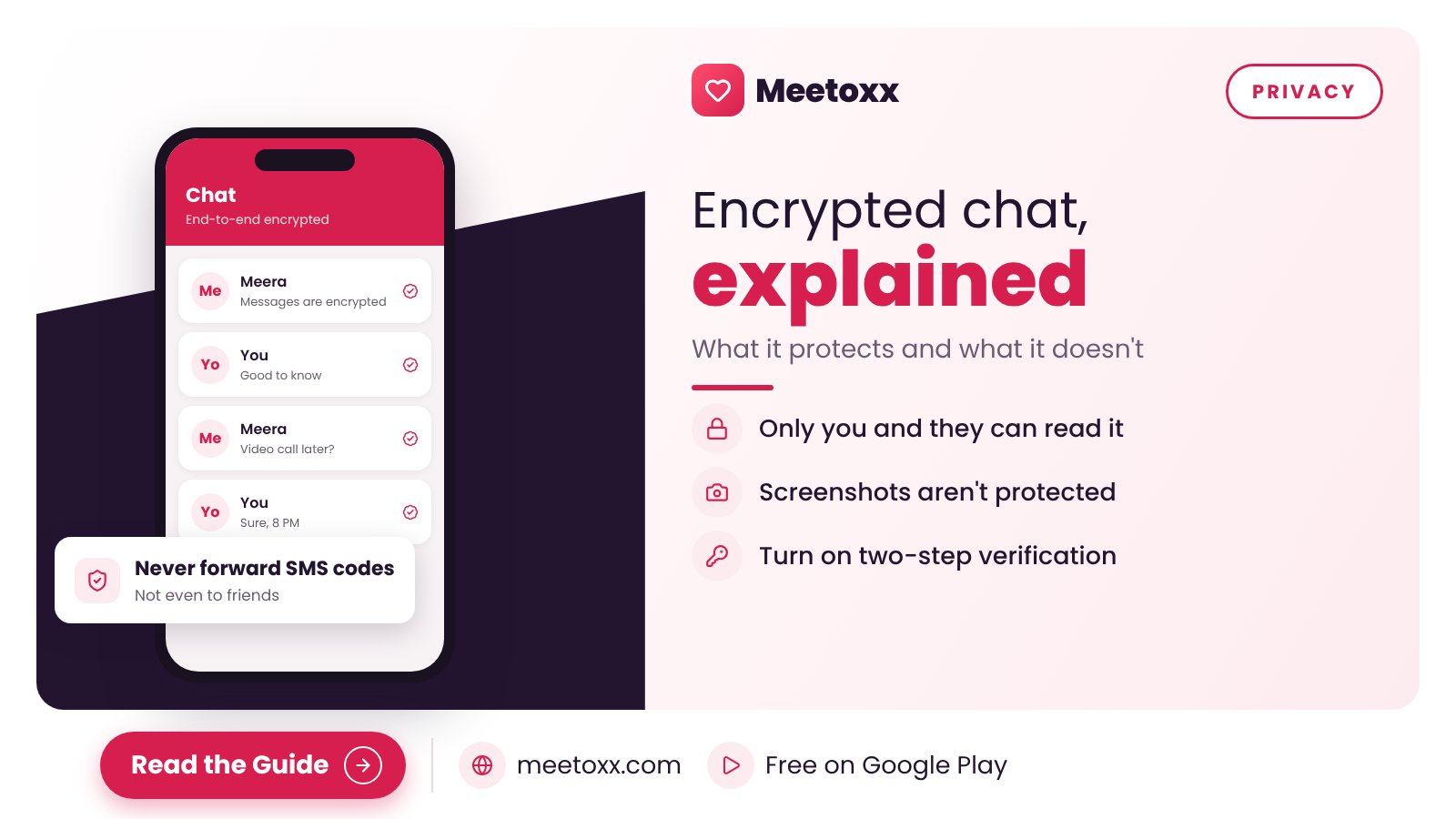
End-to-end encryption, in plain words: what it protects, which apps use it by default, and the things it cannot protect you from.
You have probably seen the line "messages are end-to-end encrypted" at the top of a WhatsApp chat. Most people scroll past it. Here is what it actually means, without the jargon.
The simple version
With end-to-end encryption, a message is locked on your phone and can only be unlocked on the other person's phone. Anyone in between, including the app company, sees scrambled data. Think of it as a letter in a box that only the receiver has the key to.
Which apps use it by default?
- WhatsApp: yes, for personal chats and calls.
- Signal: yes, for everything.
- Telegram: only in Secret Chats; normal chats are encrypted between you and Telegram's servers, not end-to-end.
- Google Messages: yes, for RCS chats between Google Messages users when encryption is shown.
What encryption does not protect
- Screenshots. The other person can still save or share what you send.
- Your unlocked phone. Anyone holding it can read your chats.
- Backups. Cloud backups may not be encrypted unless you turn that option on.
- Scams. Encryption keeps strangers out; it does not stop the person you are talking to from lying.
Simple habits that matter more
- Lock your phone and chat apps with a PIN or fingerprint.
- Turn on two-step verification in WhatsApp and similar apps.
- Never forward a code you receive by SMS.
- Never send anything you would not want shared.
If you are looking for someone serious, Meetoxx is free on Google Play, every profile is phone-verified by OTP, and you can video call inside the app before you share your number.
Quick answers
Is WhatsApp end-to-end encrypted?
Yes, personal chats and calls are end-to-end encrypted by default.
Are Telegram chats end-to-end encrypted?
Only Secret Chats. Normal chats are not end-to-end encrypted.